Selecting a Page's Default View
This section describes functionality in Scalar's page editor, which is accessed by clicking the "New" button (if creating new content) or the "Edit" button (if editing existing content) at the bottom of the page.
Immediately below the text editor is a drop-down menu for selecting the default view for the page. Any given page in Scalar can be rendered in a variety of ways; these are called views. Every page has a default view that determines what the user sees when they first arrive at the page. The most commonly used views can be thought of as layout templates; they govern the relationship between text and media. Other views try to visualize the relationship of the current page to other pages in the book, and still others are purely utilitarian. Let's explore each of the default view options in turn.
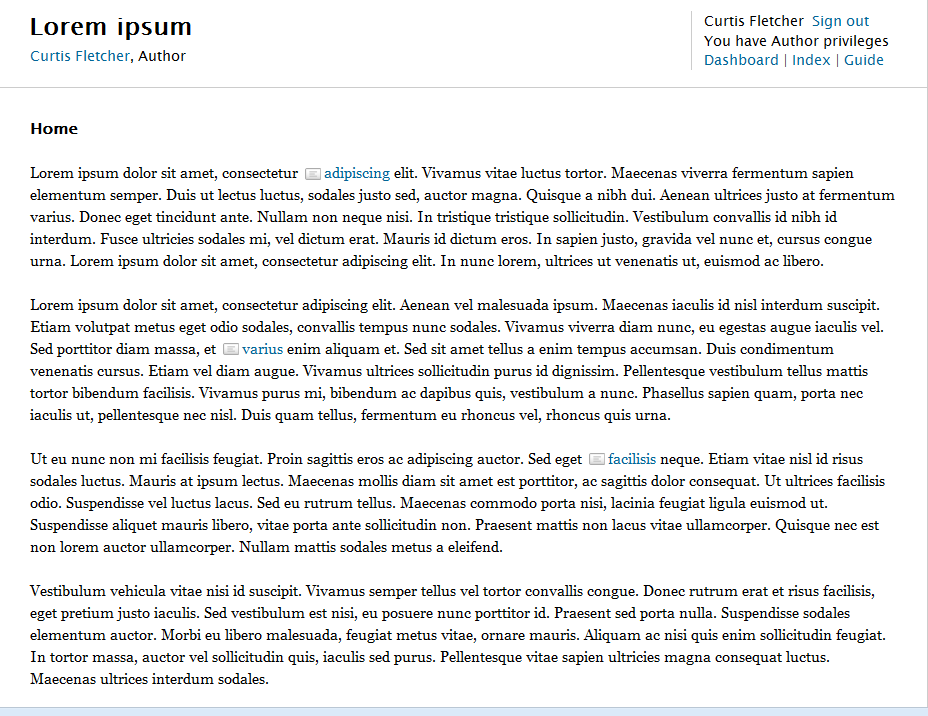
- Single column. Displays only the text of the page in a single column; all Scalar media links are ignored.
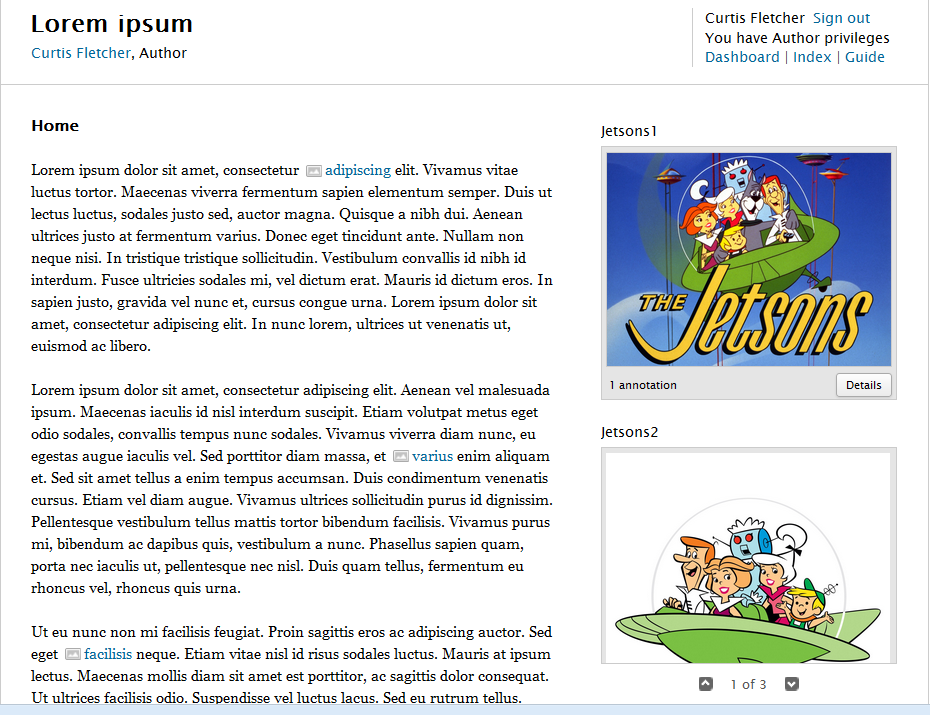
- Text emphasis. Dedicates most of the page to the text, with a small column on the right for embedded media.
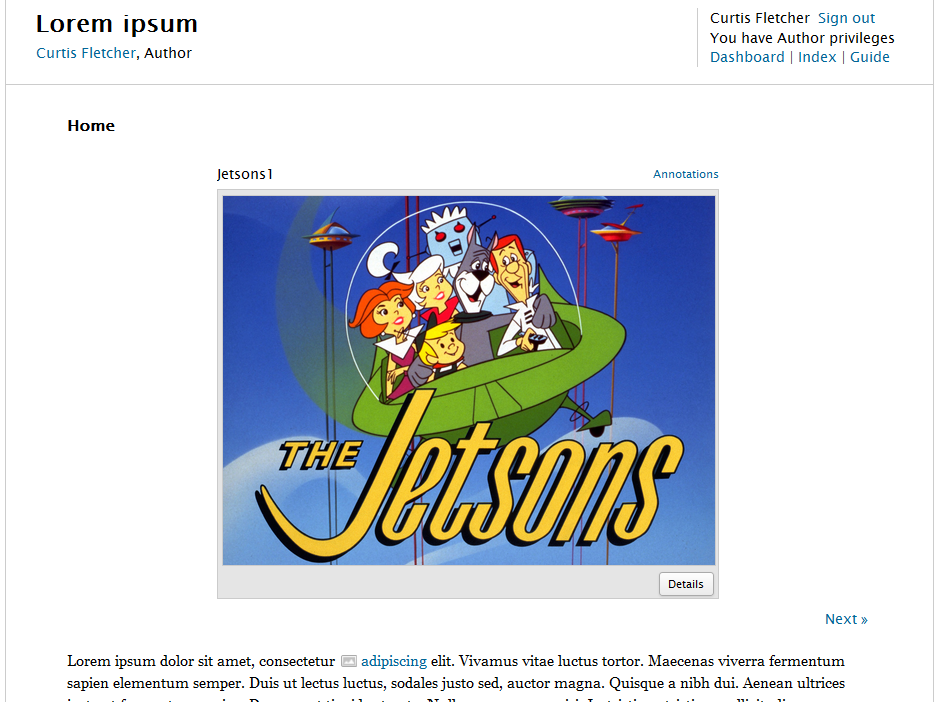
- Media emphasis. Dedicates most of the page to media, with a scrolling display area at the top and text below.
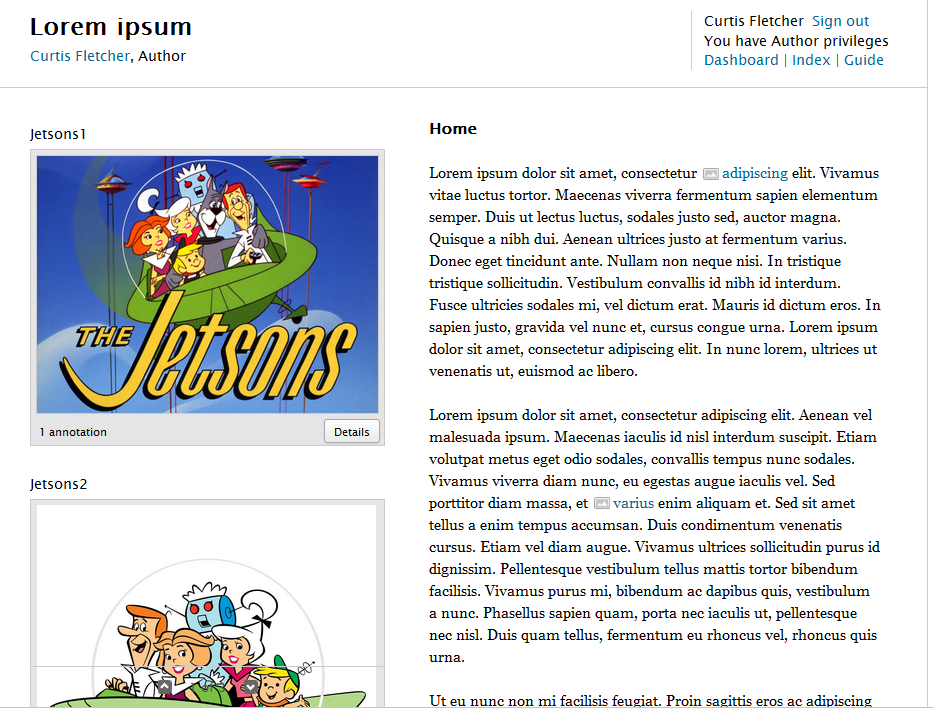
- Split emphasis. A more even balance of text and media, with text on the right and media in a column on the left.
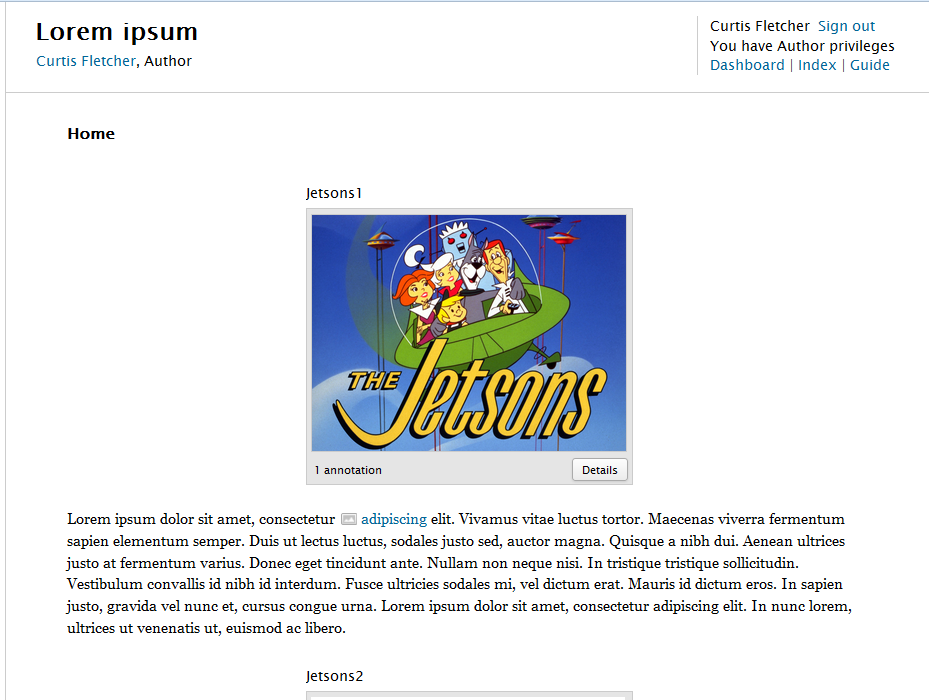
- Media per paragraph (above) Displays any media linked in a given paragraph in small media players just above the paragraph.
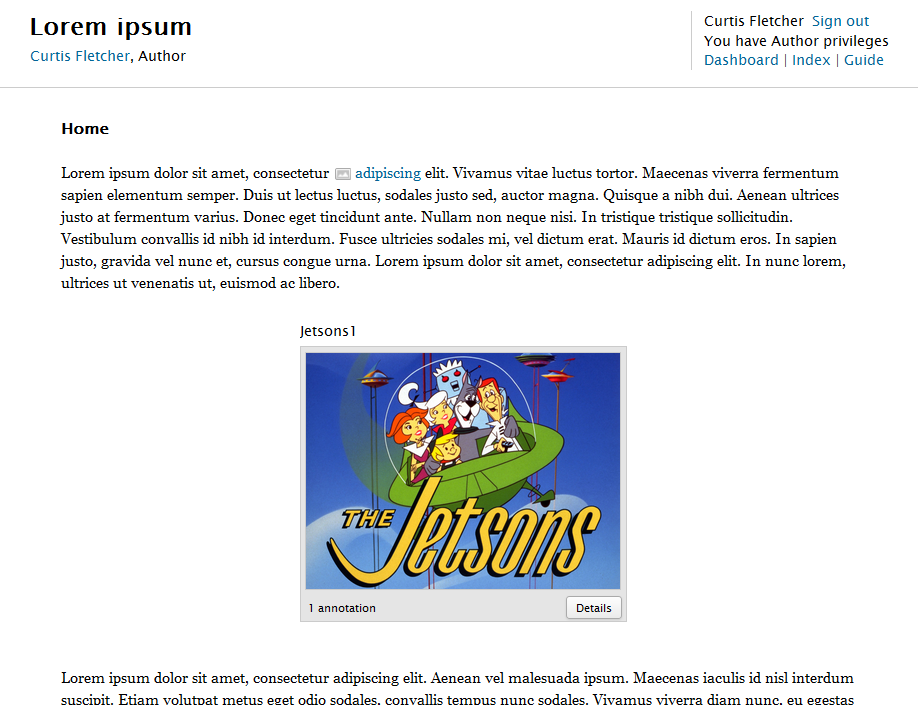
- Media per paragraph (below) Displays any media linked in a given paragraph in small media players just below the paragraph.
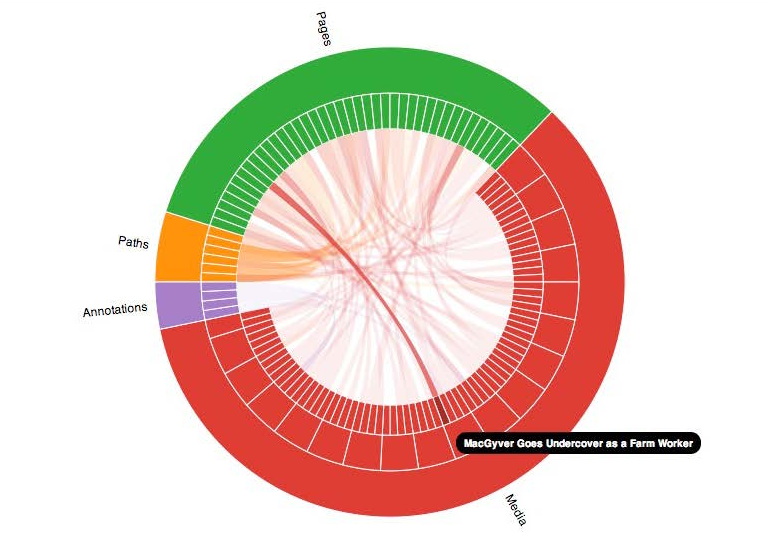
- Visualization: Radial Renders the relationships between all of the pages and media in the book in an interactive radial graph.
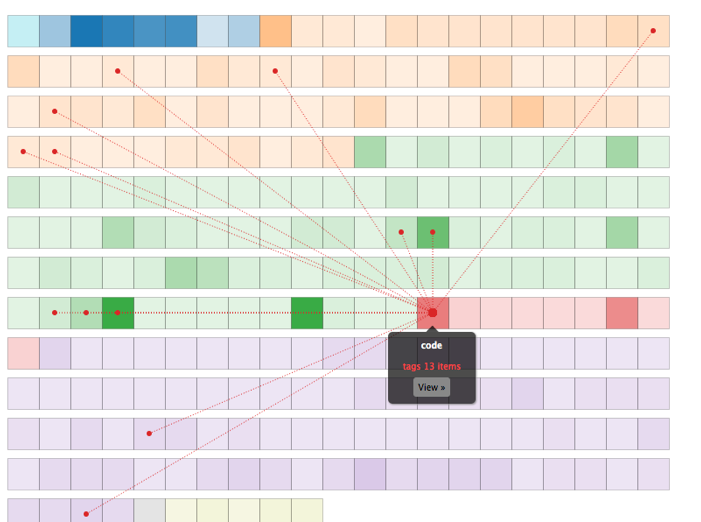
- Visualization: Index Renders the relationships between all of the pages and media in the book in an interactive grid.
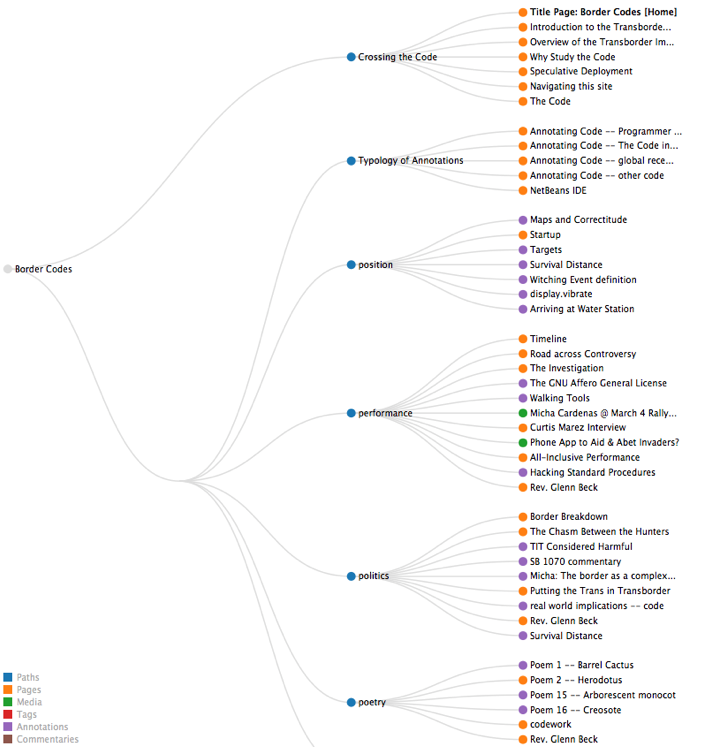
- Visualization: Paths Draws a hierarchical graph of all of the paths in the book.
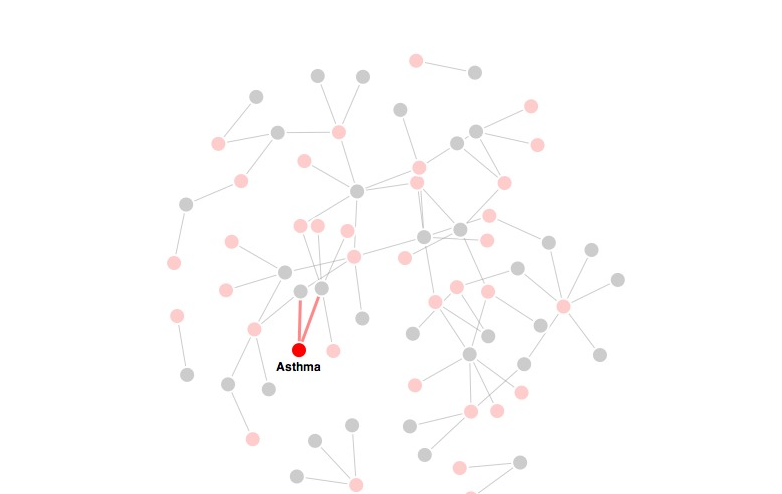
- Visualization: Media Renders a force-directed graph of media in the book and the pages which reference it.
- Visualization: Tags Renders a force-directed graph of tags in the book and their associated content.
- History browser Displays the text of all versions of the resource in a single page.

This page has paths:
- Editing Pages Curtis Fletcher