2. Collaborating and Communicating (novice high/intermediate low)
understand main ideas and some supporting details on familiar topics from a variety of texts. . . simple stories, routine correspondence, short descriptive texts or other selections with familiar contexts. They generally comprehend connected sentences and paragraph-like discourse and information rich texts with highly predictable order.
Annotation enabled websites like Genius or web based collaborative authoring and editing tools like Google Docs or Etherpad provide opportunities for classes to collectively comment, paraphrase or even transform short descriptive texts like the lyrics of a song in real time. These technologies also allow instructors to view individual contributions, and even experience in real time, the collaborative process as it unfolds.
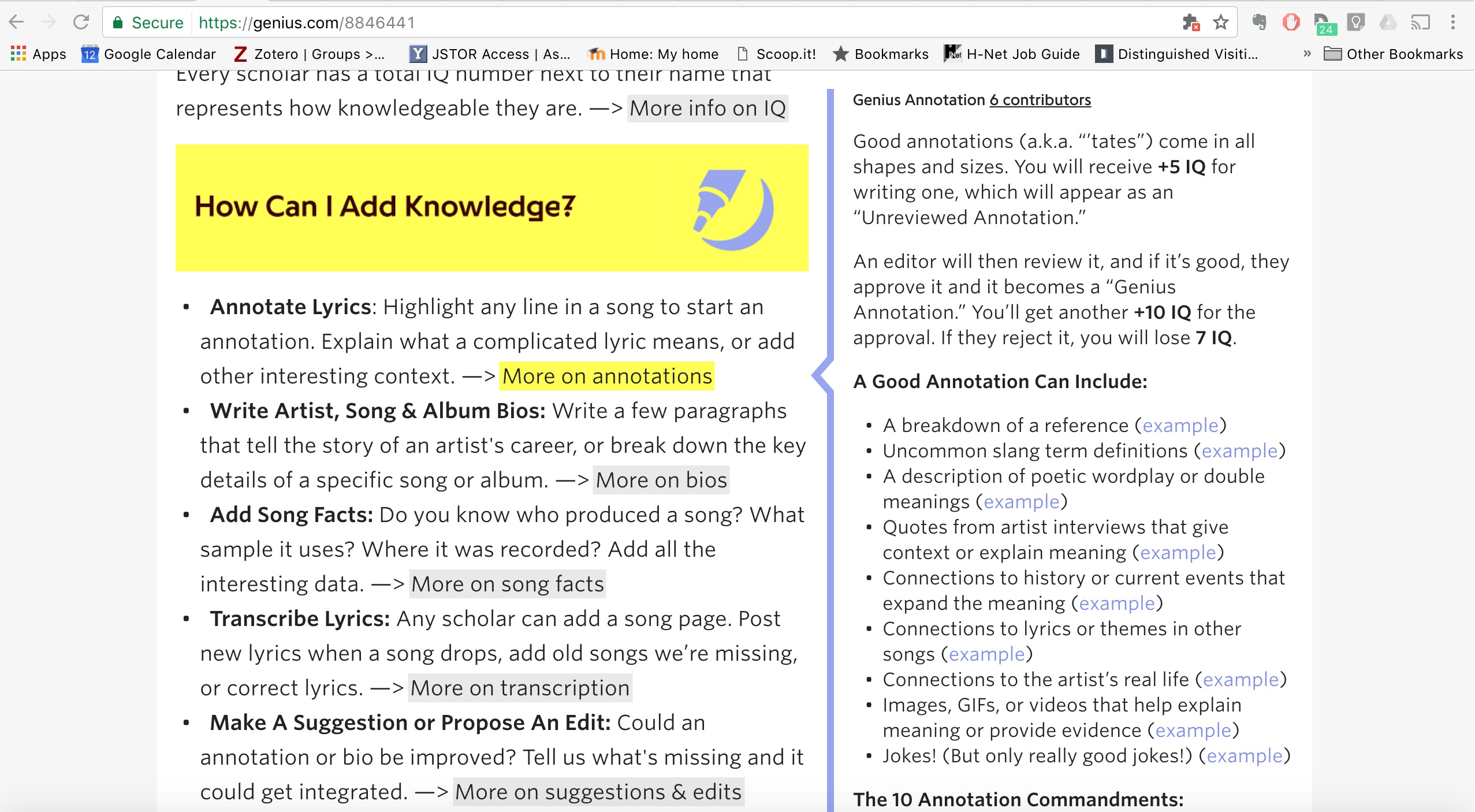
Below are the standards for annotation that are expected of Genius contributors. Explicitly stating the expectations and standards for these types of collaboration is important - students need to be reminded that in all communicative contexts, register counts.
This page has paths:
- Practical Pedagogy Carol Chiodo