Thanks for your patience during our recent outage at scalar.usc.edu. While Scalar content is loading normally now, saving is still slow, and Scalar's 'additional metadata' features have been disabled, which may interfere with features like timelines and maps that depend on metadata. This also means that saving a page or media item will remove its additional metadata. If this occurs, you can use the 'All versions' link at the bottom of the page to restore the earlier version. We are continuing to troubleshoot, and will provide further updates as needed. Note that this only affects Scalar projects at scalar.usc.edu, and not those hosted elsewhere.
Scalar 2 User's GuideMain MenuGetting StartedExplains account and book creation, and some interface basics.QuickStartsA path of all QuickStart content in this user's guide.Working with MediaHow to get the most out of your use of media in Scalar.Working with ContentCreating and editing content in Scalar.Working with WidgetsWorking with StructureHow to use Scalar's many options for structuring publications.Editorial WorkflowHow to use features for performing editorial review of content.VisualizationsExploring the contents of a book visually.LensesAn introduction to lenses, a tool for searching and visualizing Scalar content.Advanced TopicsDescribing Scalar's more advanced features.Third Party Plugins and Platforms
Creating an Account
12014-10-01T16:38:30-07:00Erik Loyerf862727c4b34febd6a0341bffd27f168a35aa637329617How to register for a new Scalar account.plain2024-01-11T10:39:55-08:00Curtis Fletcher3225f3b99ebb95ebd811595627293f68f680673e
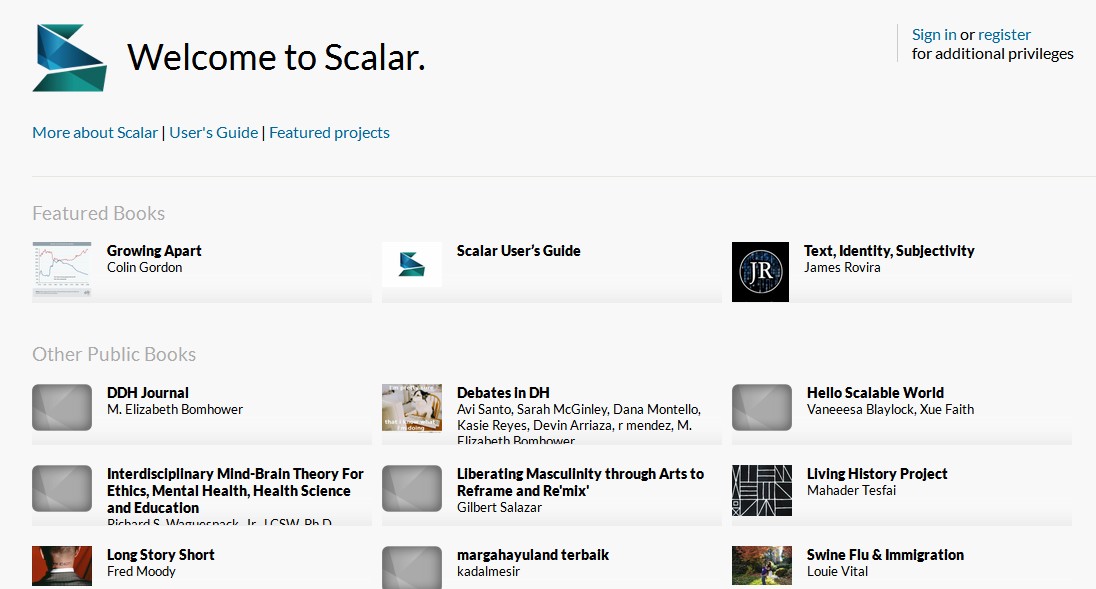
Creating a new Scalar account starts at the Index page.
The Index Page
Every installation of Scalar has an Index page which lists all books which have been made public by their authors. If you're signed in, you'll also see all of the books you have privileges to edit, whether they've been made public yet or not.
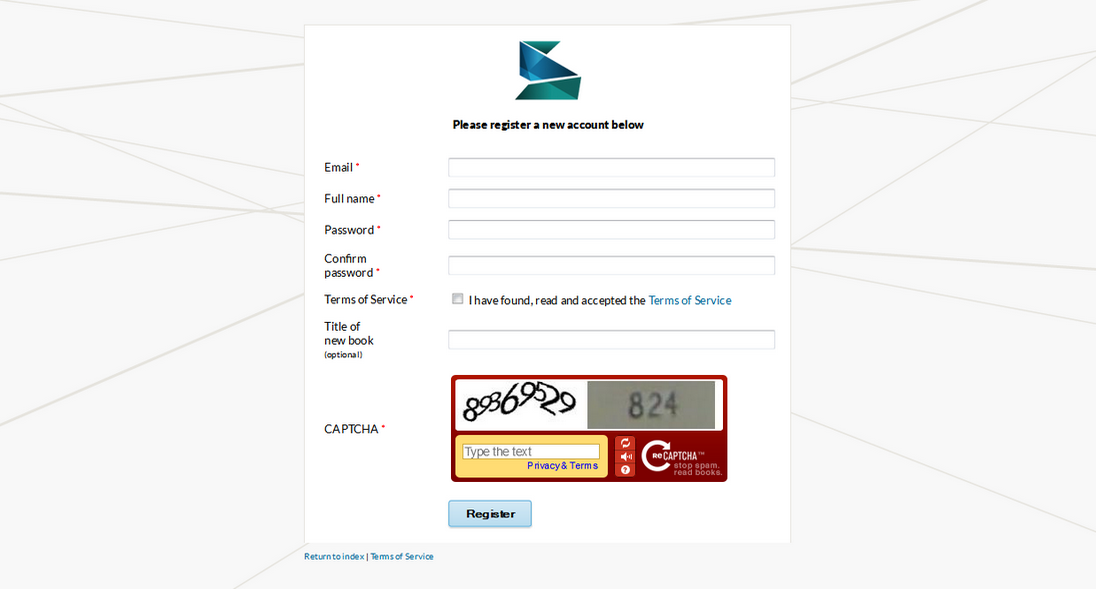
Registration
In order to create your own Scalar books, you'll need to register for an account, which you can do from the Index page. Registration is quick and easy; all we ask for is your name, email, and a password.
This page has paths:
12014-10-01T16:38:31-07:00Erik Loyerf862727c4b34febd6a0341bffd27f168a35aa637Getting StartedCurtis Fletcher1Explains account and book creation, and some interface basics.plain2014-10-01T16:38:31-07:00Curtis Fletcher3225f3b99ebb95ebd811595627293f68f680673e
This page references:
12014-10-01T16:38:32-07:00Scalar index page2plain2015-05-28T11:40:14-07:00