Editing: Polish
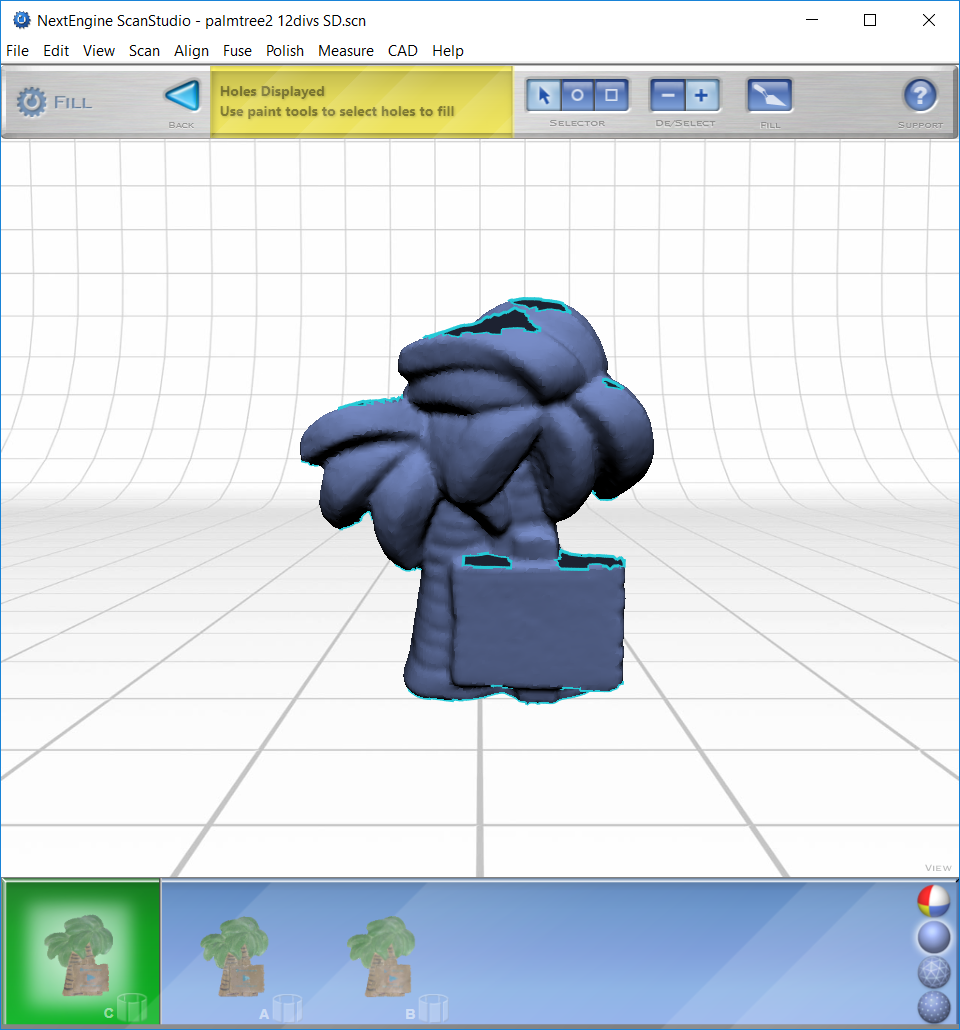
- Fill: the most useful tool for creating a regularized and complete scan
- Select “back” to save changes and return to main menu
- Buff: smooths the surface of your scan
- Most useful if your scan is highly irregular compared to your real object (most scans do not usually require this tool)
- It is best to buff a surface that is all the same color
- This tool is not necessary for all scans
- Once you select an area to buff and click “Buff” a menu will appear
- The less you move the slider under Buff Weight, the more of the original scan that will be preserved (it is suggested to use the “less smooth” setting at first)
- When ready, select “Buff”
- Simplify: reduces the number of capture points to create a simpler data pattern


Return to Editing


