Make your Splash Page
To begin, edit the home page.
Navigate to the home page using the drop-down menu in the upper left corner

Select the edit icon (pencil) from the upper right hand corner to edit the home page

Update the Title and Description
- Title: [Project Title]
- Description: [Describe the project, ie "Scalar Workshop"]
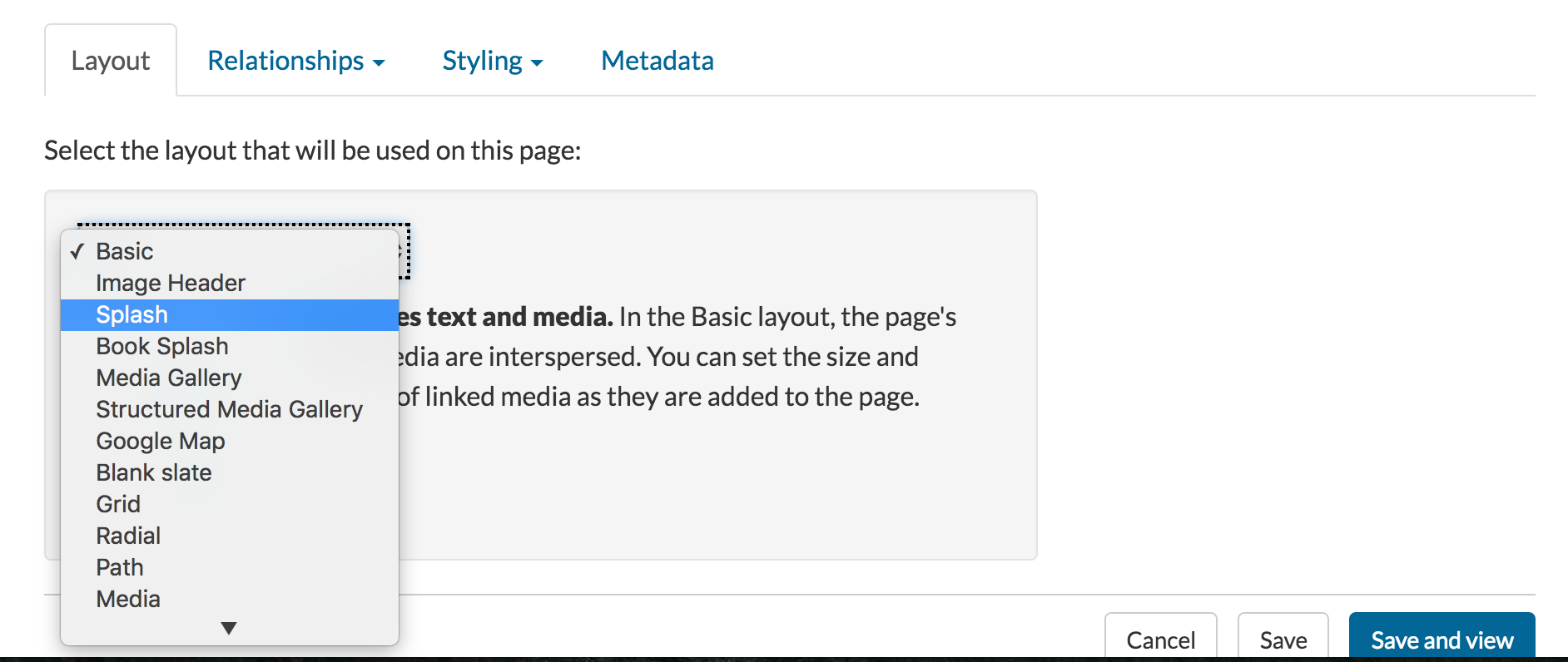
Next, change the Layout to Splash
- Use the drop-down menu at the bottom of the page.
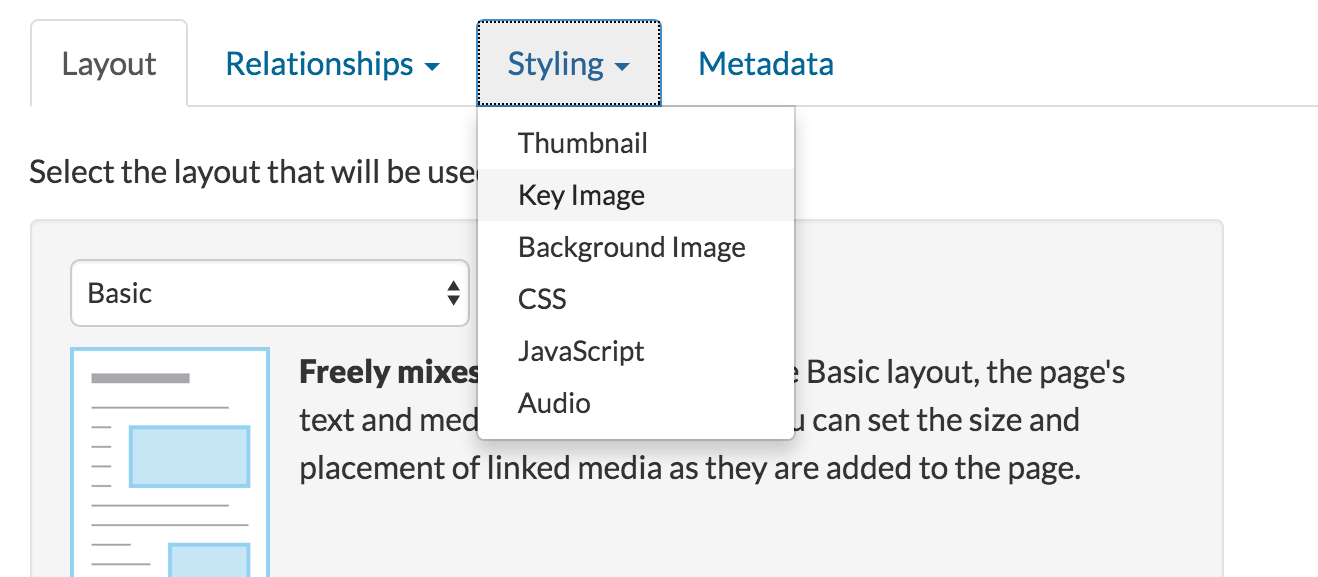
Finally, select your key image
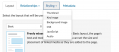
Using the "styling" menu at the bottom of the page, select "key image." Then choose the image you want to use.Select "save and view" to see your splash page!
If you want to edit it again, use the "pencil" button to reopen the file. Otherwise, follow the path to create your Scalar page!No images in your list? You need to make sure that at least one of the images that you uploaded in the last step is .jpeg, .jpg, or .png.
This page has paths:
- Scalar Workshop Allyssa Guzman