Storyboarding
IntroductionStoryboarding
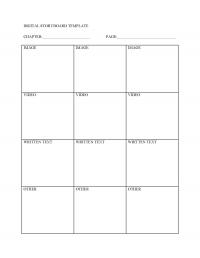
Even when students collect their media files, they are still not ready to compose their text. First they need to create storyboards for each page of their chapters. A storyboard is like a map of what each page of the digital book will include—text, images, video, audio, etc. This is a very important step in writing digitally because it requires the authors to consider the relationship among each modal element and how it emphasizes or reinforces the key idea or message of the page.
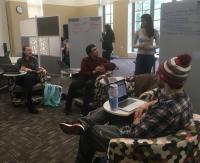
Students can storyboard individually or collaboratively using templates (abundantly available on the internet), using large white boards, or newsprint and markers. Laying out all the storyboards for each chapter invites group conversation about issues such as continuity and formatting consistency.
This page has paths:
- Preparation Barbara Burgess-Van Aken