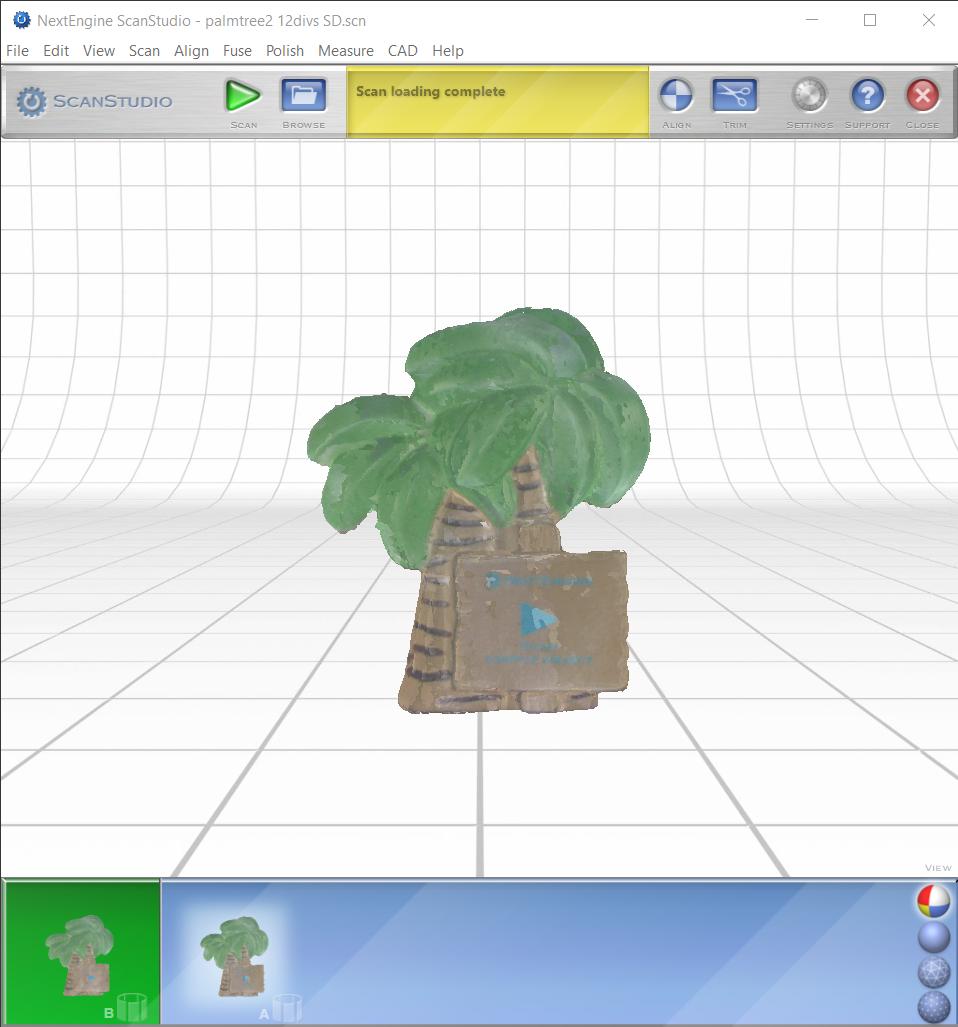
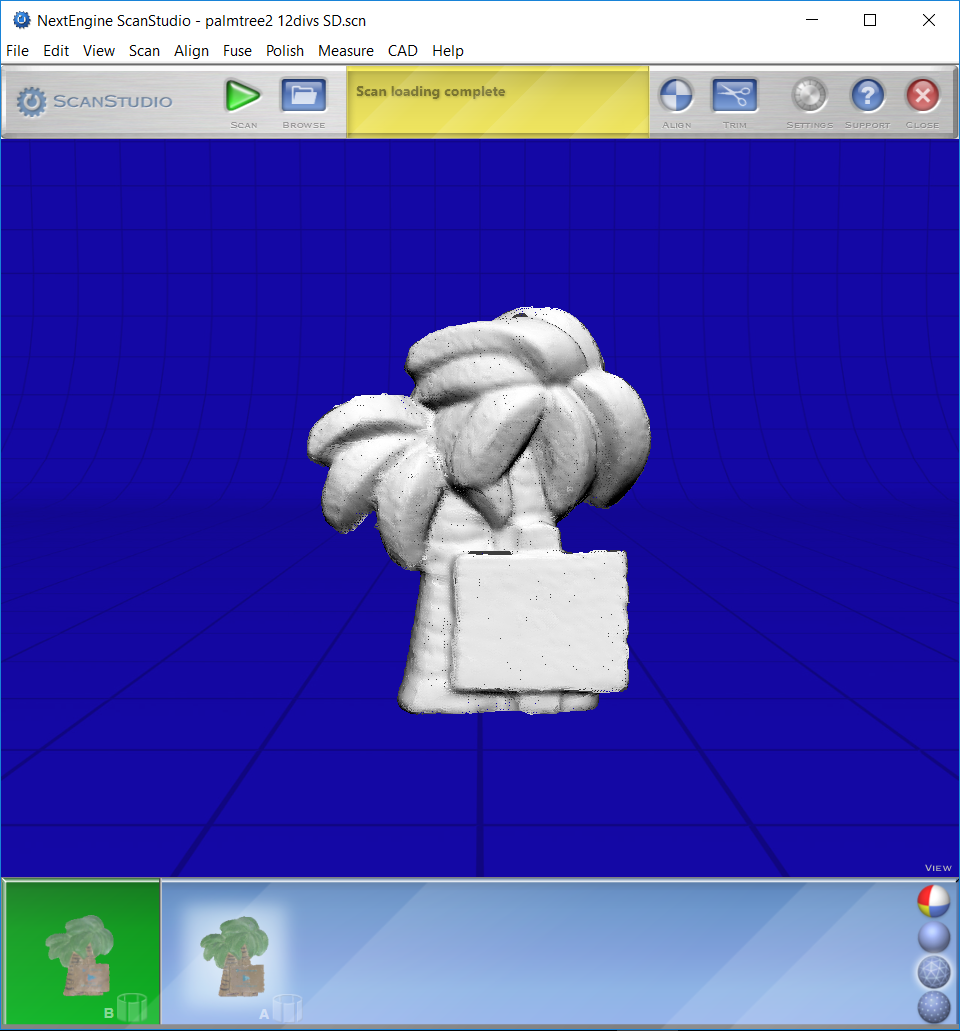
On the bottom right of the editing window are 4 “view” choices
Color: The default shows color and dimension. Use this for most edits.
Shaded: This view is good to use when filling holes in your scan or when you want to look only at the dimensions of your scan.
Mesh: This setting shows the resulting mesh that was created from all the captured points in your scan. It is a good idea to use this view when merging volume scans and re-meshing.
Points: This setting shows each point that was captured in your scan.